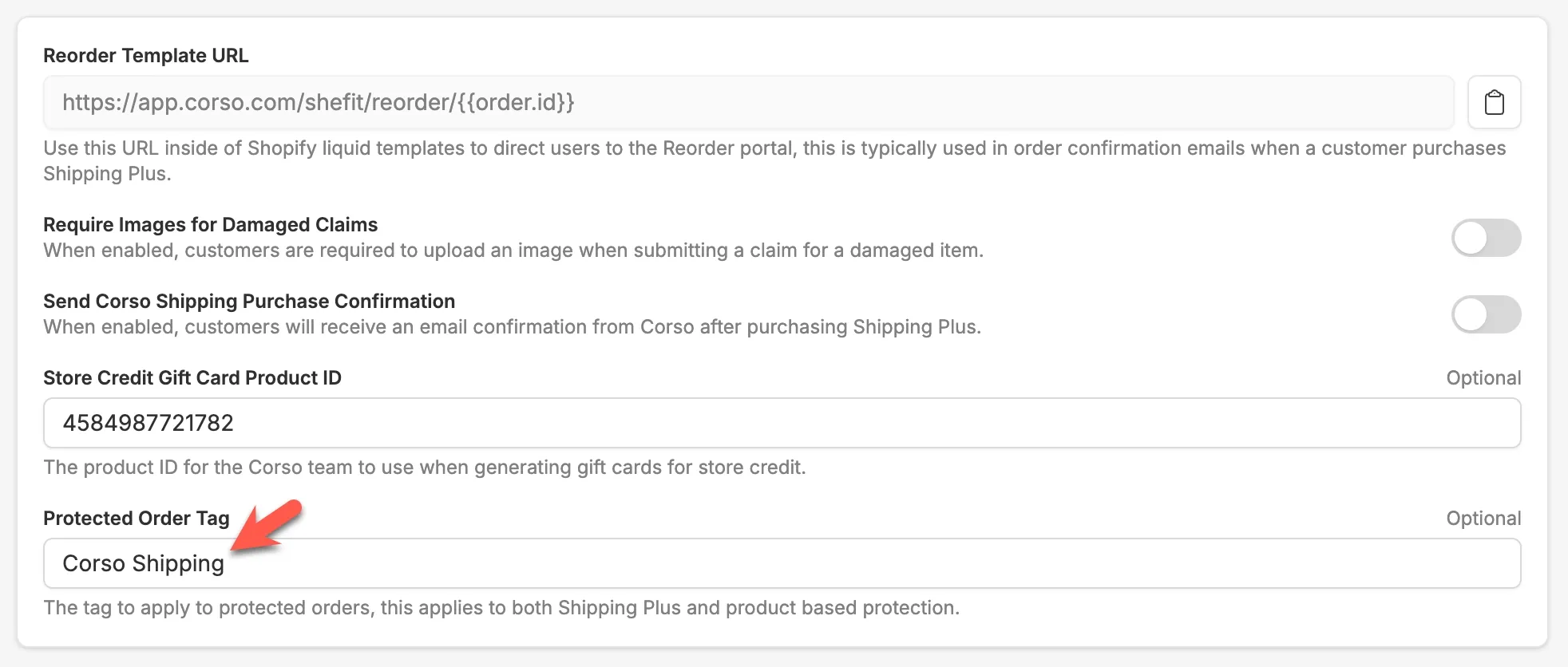
Protected Order Tag
If you want to easily identify which orders are protected by Corso, you can configure a tag to be automatically applied to every protected order in Shopify.
How it works
Section titled “How it works”When an order is protected—either through a Shipping Protection product added to the cart or via Shipping Plus in the shipping rates—Corso will apply your configured tag to that order in Shopify. This makes it easy to filter and identify protected orders directly in your Shopify Admin, reports, or any connected apps.
- In the Corso Admin, go to Shipping Claims settings.
- Find the Protected Order Tag field.
- Enter the tag name you want applied to protected orders (e.g.
corso-protected). - Save your settings.
From that point on, any new protected order will automatically receive the tag in Shopify.